Free · Open source · Windows

PIEPI.

755,000+ PyPI packages, searchable and installable without ever opening a terminal. The package manager pip should have been.

Windows
Piepi-Setup.exe · v1.03 bt
↓ .exe
755k+
Packages
24h
Cache TTL
0
Telemetry
MIT
License
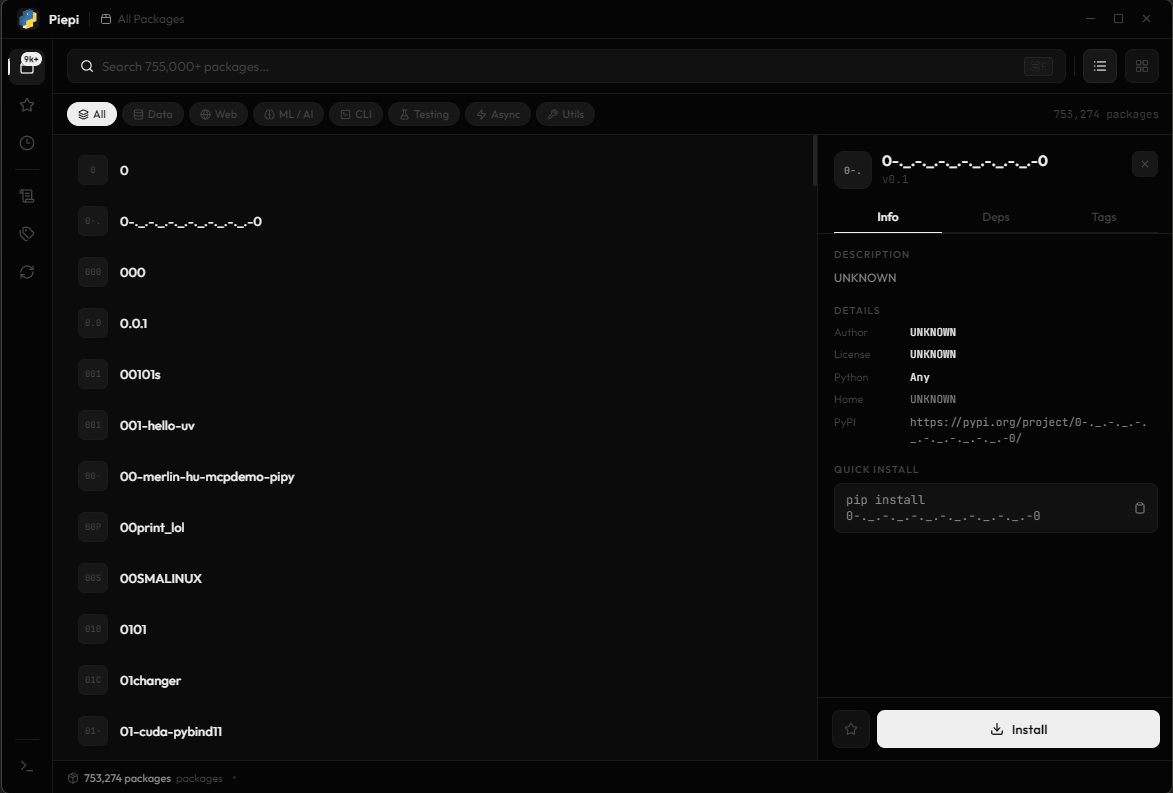
Piepi — PyPI Browser
Piepi application
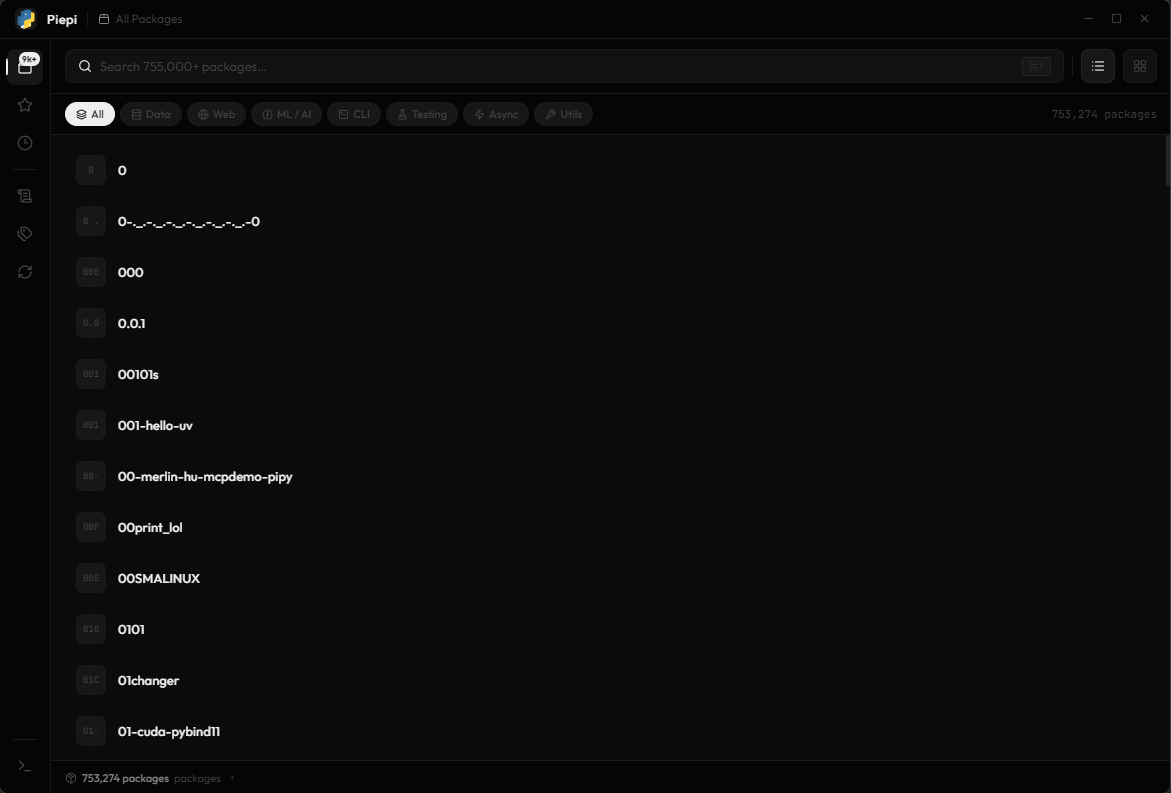
01 — Browse
700K+ packages, indexed and ready.

Piepi pulls the full PyPI index on first launch and caches it locally for 24 hours. Filter by category, sort by popularity, and find what you need instantly — no browser, no PyPI.org, no guessing at names.

instant searchcategory filters sort by popularity24h local cachelist + grid view
Browse view
All packages view
02 — Install
Click. Install. Done.

Select any package to see its description, license, Python requirements, and dependency tree before committing. Install from the panel directly. Shift-click or Ctrl-click for multi-select batch installs into any virtualenv or interpreter.

one-click installbatch install virtualenv supportcopy pip commanddependency view
Install panel
Package detail panel
03 — Organize
Star packages. Build your library.

Favorite the packages you return to. Tag them with your own labels. Piepi stores everything locally — favorites, tags, recently viewed, and your full install history. Nothing is synced, nothing is tracked.

favoritescustom tags install historyrecently viewed100% local
Favorites view
Favorites view
Why Piepi

The terminal is not
always the answer.

There's a better way to manage Python packages — it starts with giving you a real interface.

01 —
An easier way to install packages

Forget memorizing package names and flags. Piepi gives you a real GUI — browse, click, install. It's the package manager experience that pip never bothered to build.

02 —
Stop retyping the same commands

Every time you want to install something, you're back in the terminal — hunting for the name, spelling it wrong, re-running pip. Piepi caches the full index and keeps your history. Find it once, install it forever.

03 —
See what you're installing before you do

pip tells you nothing until it's done. Piepi surfaces the description, license, version history, and dependency tree up front. Know exactly what lands on your machine before it does.

What's coming

Roadmap

Features being built, planned, or dreamed about. Nothing ships until it's actually good. Items marked in amber carry risk — handle with care.

01
Auto-update scanner
02
pip-compile / lock file
03
Dependency conflict resolver
04
Virtual environment manager
05
Package health score
06
Collections / stacks
This is what you're installing — be careful.
07
Streaming install output
Toggleable in settings
08
Bulk tag operations
09
Search history timeline
10
Quick-install from clipboard
11
Package changelogs from GitHub
12
Batch uninstall with dep cleanup
Destructive — double confirmation required.
13
"Why is this installed?" tracer
14
pip cache manager
15
Requirements.txt importer
16
Sort by last installed date
17
Pinned version locking
18
Keyboard shortcut cheatsheet
19
Onboarding flow
20
Command palette
21
Dark / light / custom themes
22
Package icon / logo fetching
23
Mini sparkline download chart
24
Undo for destructive actions
Because accidents happen.

Download
Piepi.

Free, open source, no account needed. Windows installer — always linking to the latest release.

Download Piepi-Setup.exe
v1.03 bt · Windows x64 · all releases ↗
Windows only
Windows
Piepi-Setup.exe
Download free
macOS & Linux — coming later
# clone and run git clone https://github.com/e1ghteen18/Piepi-PYPi-Browser- cd Piepi-PYPi-Browser- npm install && npm start
Requires Node.js v18+ and Python with pip